_14e30a.png)
_8126ce.png)

ricktendo
Members
-
Joined
-
Last visited
Everything posted by ricktendo
-
I know windowsguy it sucks... I want alky too
-
maybe it needs to be logged in
-
I think I got it correct
-
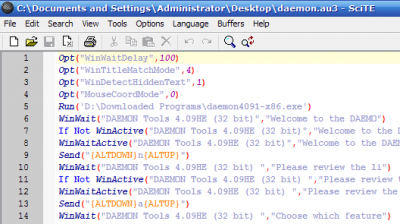
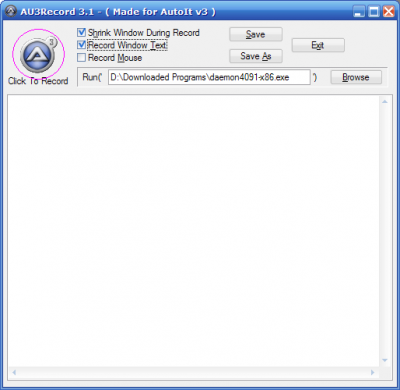
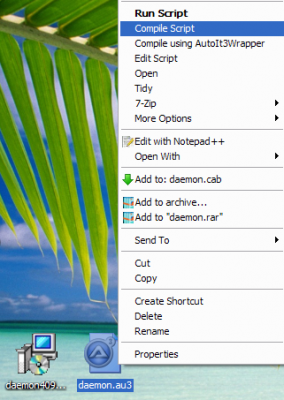
I found this useful when I cant find any silent switches for my installers :thumb_yello:
-
LOL like shooting fish in a barrel FART
-
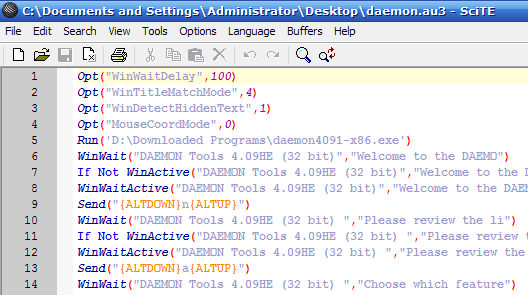
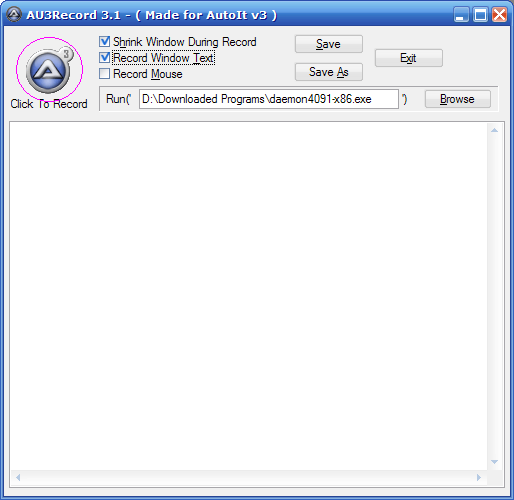
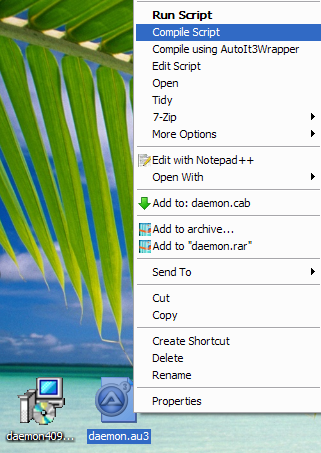
I had the same problem with my comodo firewall addon... I used autoit Here is an easy tutorial on how to use scrite writer to make autoit scripts (easy enough even I could do it) http://www.wincert.net/forum/index.php?showtopic=1466
-
I think you can use the cmd commands copy or xcopy Open a CMD window and type copy /? and xcopy /? to see how to use it and also see what the parameters are
-
titonx was my vote
-
-
VTP7 is overated it does not patch some bmp files like other shell patchers do Energize would be a great one but unfortunately its been discontinued
-
Kel the tuto was easy to follow thanks for everything
-
Your wish is my command... Updated v0.7 beta
-
Cant be... Its attached
-
Updated... Installer will fail until the Alky comes out and you install it BTW Windows Sidebar updated from RTM to Server 2008 Sidebar
-
Really? Thanks
-
I do not know when the new Alky will come out... Was supposed to be Monday. But YES I think it will be soon.
-
Updated finally... Sorry for the delay
-
HAHA the Vista one is funny
-
ALL old links to addons and installer removed... Waiting for the next generation of VAIO (now Alky) to be released.
-
-
Rafael and Bryant confirmed the speed benefits of KB938979 Source AeroXperience
-
This is meant for slipstreaming into your Windows XP CD using nLite For people who like to customize their boring old Windows CD
-
Yea I got that email also
-
I have the installer already just waiting for Alky. I can release the installer but I wrote it so it will FAIL if you try to install it without Alky
-
Domina