Search the Community
Showing results for tags 'Crash'.
Found 4 results
-
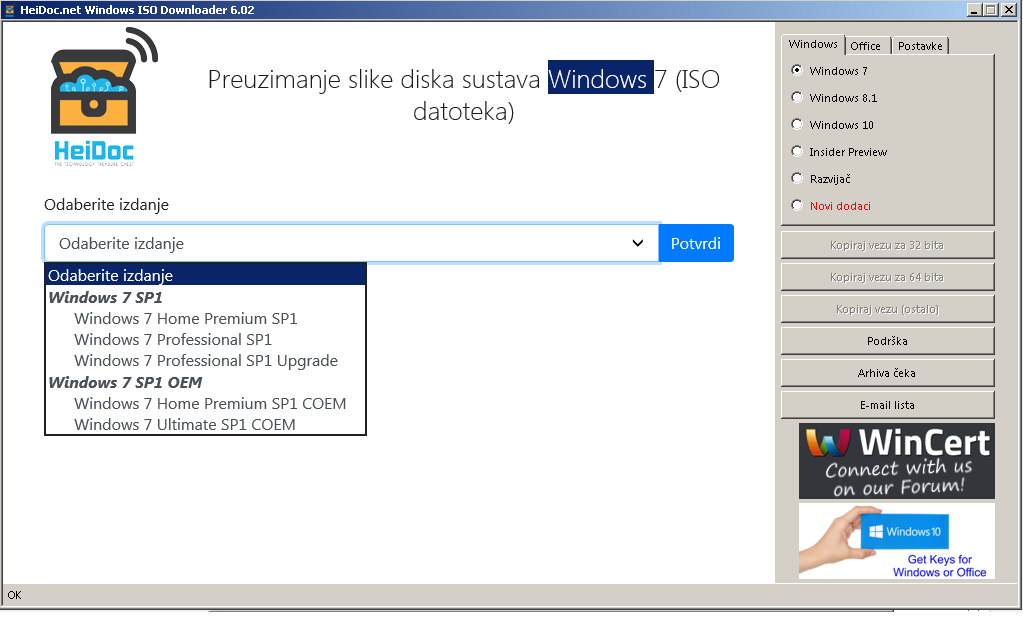
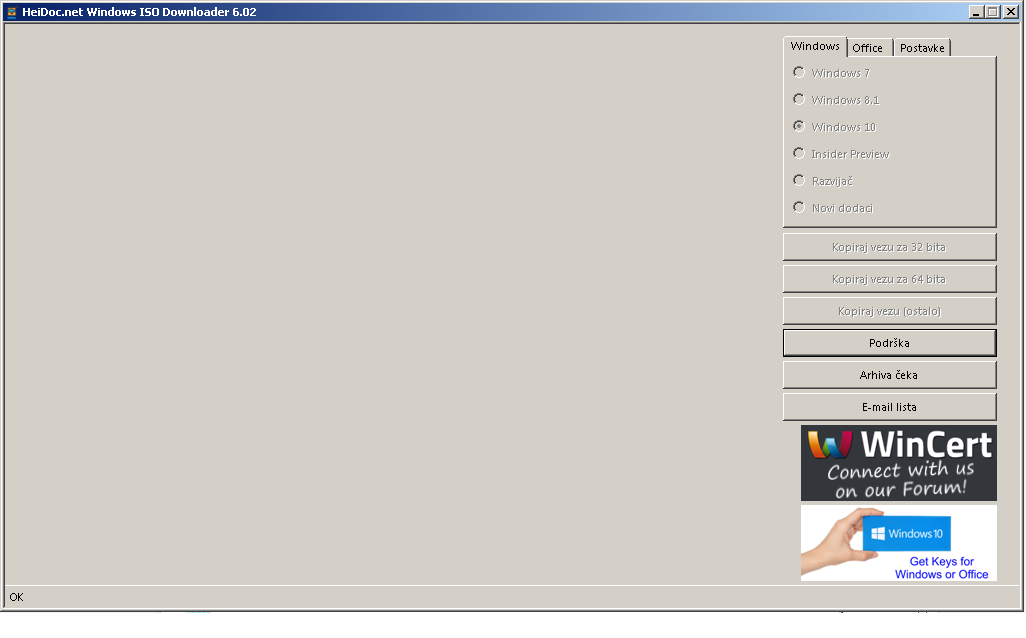
So this is the problem. I download and run the Windows ISO Downloader , version is up to date (6.02) . Whenever I pick any other windows option besides windows 7 , the tool greys out and crashes. I have went through the FAQ's and I do not have the lines in the HOSTS file that should be removed, I disabled adblock when downloading, I have turned off firewall , I do not have an antivirus program installed. TLS 1.2 is enabled. I started the tool as administrator and have IE 11 and .NET framework 4.7.1 installed

-
Wintoolkit v1.5.4.8 keeps on crashing when I try to use the AIO integrater and apply changes when it finishes un-mounting an image it crashes screenshots and settings will be attached I'am also using one addon: the Directx_june2010 x86.WA Can someone verify if this is a bug or is it some settings conflict Thanks for your help in advance BTW i disabled all Antiviruses and anti malware suites Settings.txt Session save.ini
-
Wintoolkit v1.5.4.8 keeps on crashing when I try to use the AIO integrater and apply changes when it finishes un-mounting an image it crashes screenshots and settings will be attached I'am also using one addon: the Directx_june2010 x86.WA Can someone veryfiy if this is a bug or is it some settings conflict Thanks for your help in advance Settings.txt Session save.ini Windows_7_Starter_x86_39156.log Windows_7_Starter_x86_72264.log
-
Error occurred on update KB2604115 import to All In One Integrator Windows 7 x32 Error info: Problem signature: Problem Event Name: APPCRASH Application Name: WinToolkit.exe Application Version: 1.4.1.2 Application Timestamp: 50d08160 Fault Module Name: StackHash_3885 Fault Module Version: 6.1.7601.17725 Fault Module Timestamp: 4ec49b60 Exception Code: c0000374 Exception Offset: 000c380b OS Version: 6.1.7601.2.1.0.256.1 Locale ID: 9242 Additional Information 1: 3885 Additional Information 2: 3885307bb2fe39f2a0f3434e5d83c5fd Additional Information 3: a993 Additional Information 4: a9932b9526daef8999238587bf7171eb