
_14e30a.png)
_8126ce.png)


NIM
Administrator
-
Joined
-
Last visited
Everything posted by NIM
-
Well if you'll be interested then, just let me know so we can start to play together
-
Post it here in 1680x1050 resolution, 'cause I can't get it from the Shoutbox link..
-
Yup, thx Martin, I've posted that one on the frontpage few weeks ago. Very nice IE7 "add-on" Link to the article
-
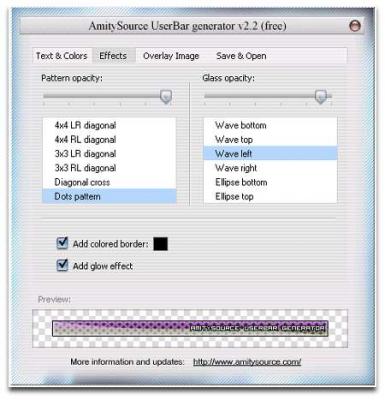
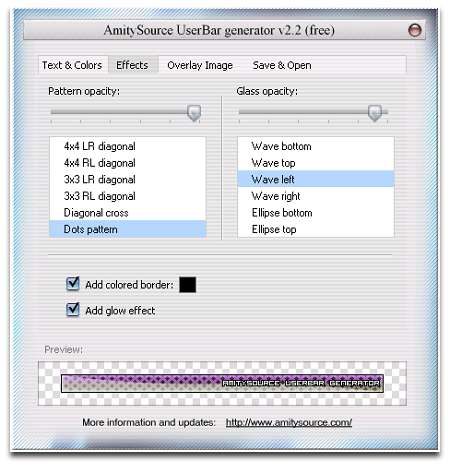
AmitySource Userbar Generator is an easy-to-use program for generating unique and attractive userbars. With it you can create nice-looking userbar within five minutes and without any technical or artistical knowledge. It has everything you need for creating personal userbars: you can choose colors, special effect, pattern, a glow effect, an overlay image for your composition. AmitySource Userbar Generator allows to save the created userbar in different popular formats. DOWNLOAD
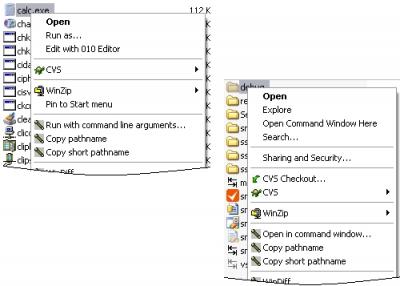
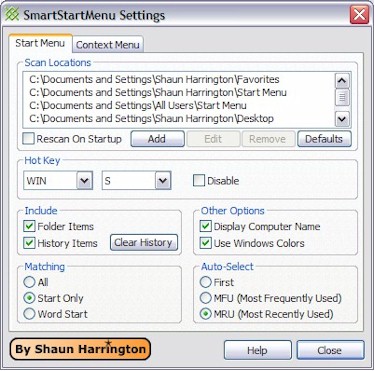
-
AmitySource Userbar Generator is an easy-to-use program for generating unique and attractive userbars. With it you can create nice-looking userbar within five minutes and without any technical or artistical knowledge. It has everything you need for creating personal userbars: you can choose colors, special effect, pattern, a glow effect, an overlay image for your composition. AmitySource Userbar Generator allows to save the created userbar in different popular formats. DOWNLOAD
-
Happy birthday to one of our good and constant members. :cake: :beerchug: I hope you'll have a nice one mate. Maybe new, even better laptop drops by from somewhere :yay:Impressive, can't wait for it to be released..Have you ever been stumped trying to figure out which colors look the best together? DonLooks awesome, almost like mine Seat Ibiza :lol:I wonder is it possible to change the BIOS password while you're logged in Windows XP? I would really need this tool for my work enviroment.. To be exact, I need an option to remotely VIA WLAN set BIOS password on anoter PC if possible. ThxThank You for this Tarun, hope that will fix the frontpage to be valid CSS and a Valid XHTML 1.0 Transitional. I'll have the time today after the work if you'll be able to do this with me..Tried that mate, no luckHere is a nice collection of handwritten fonts: Screenshot of a part of it: FONTS
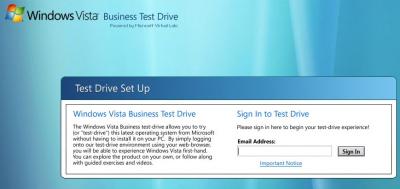
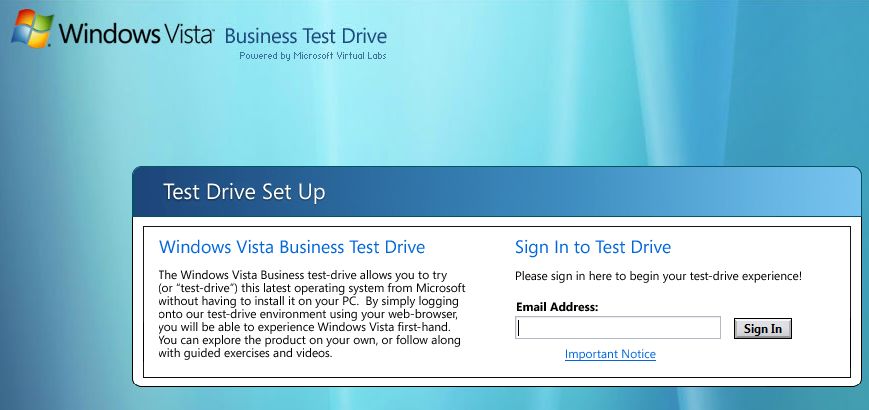
 Yeah, I've run Win XP on P2 400 @ 500MHz, but with 768MB of memory. It was flyyyingLOL Rick, I'm at work so I wrote the wrong name, sorry... But as I saw it isn't very strong PC, that's why I asked about it's performance on WinXP..Nice one Rick, are you satisfied with your new laptop now? How's it dealing with Win XP?Hello valexvo, welcome to the forums..Thx Cyg, fixed the link myself also..Microsoft has created a test drive website to allow people to tinker with Windows Vista before they decide to purchase the software. The online test drive is powered by Microsoft Virtual Server Labs and requires at least IE6, enabled javascript browser, and installation of Virtual Server VRMC Advanced Control ActiveX control. LINK.
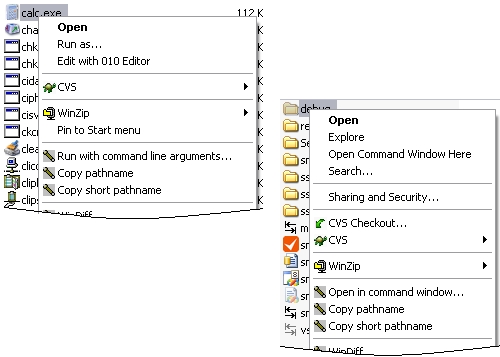
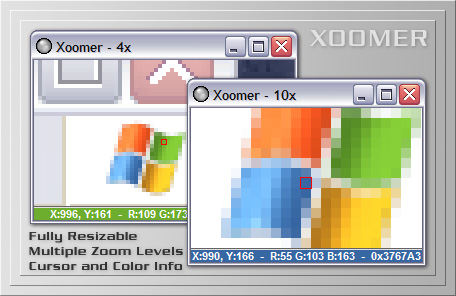
 Xoomer is a fully resizable magnification program that displays current cursor location as well as RGB and HEX color information of the current pixel. Features include: Various magnification factors from 1/2 up to 30x Smart Update feature to only update the display when the mouse is moved Normal or Always On Top mode Fully resizable - make it as big or as small as you need Current mouse position is displayed in X and Y coordinates Current pixel is outlined in a red rectangle for easy placement Current pixel color is shown in RGB and HEX Bottom band displays the current pixel color in a larger area Right-click menu allows easy zooming and configuration The +/- keyboard keys can also be used to make it zoom in and out The SPACE or RETURN keys can be used to pause or resume screen updates The CTRL-C key combination can be used to copy color information to the clipboard No risk install: the uninstaller removes everything - files, directory, registry entries Xoomer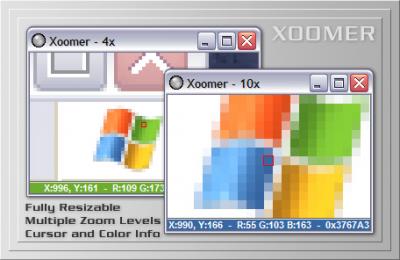


Account
Navigation
Search
Configure browser push notifications
Chrome (Android)
- Tap the lock icon next to the address bar.
- Tap Permissions → Notifications.
- Adjust your preference.
Chrome (Desktop)
- Click the padlock icon in the address bar.
- Select Site settings.
- Find Notifications and adjust your preference.
Safari (iOS 16.4+)
- Ensure the site is installed via Add to Home Screen.
- Open Settings App → Notifications.
- Find your app name and adjust your preference.
Safari (macOS)
- Go to Safari → Preferences.
- Click the Websites tab.
- Select Notifications in the sidebar.
- Find this website and adjust your preference.
Edge (Android)
- Tap the lock icon next to the address bar.
- Tap Permissions.
- Find Notifications and adjust your preference.
Edge (Desktop)
- Click the padlock icon in the address bar.
- Click Permissions for this site.
- Find Notifications and adjust your preference.
Firefox (Android)
- Go to Settings → Site permissions.
- Tap Notifications.
- Find this site in the list and adjust your preference.
Firefox (Desktop)
- Open Firefox Settings.
- Search for Notifications.
- Find this site in the list and adjust your preference.